
Facilities, Parks
& Recreation
Help people understand what’s available and make it easier to participate.
Why it Matters
Recreation information can quickly become fragmented across facility pages, program guides, schedules, and registration systems. Clear information and strong connections between places, activities, and booking tools can make participation easier and reduce the effort required to find the right program or service.
Can someone find a recreation program that fits their age, schedule and budget?
When it's working well
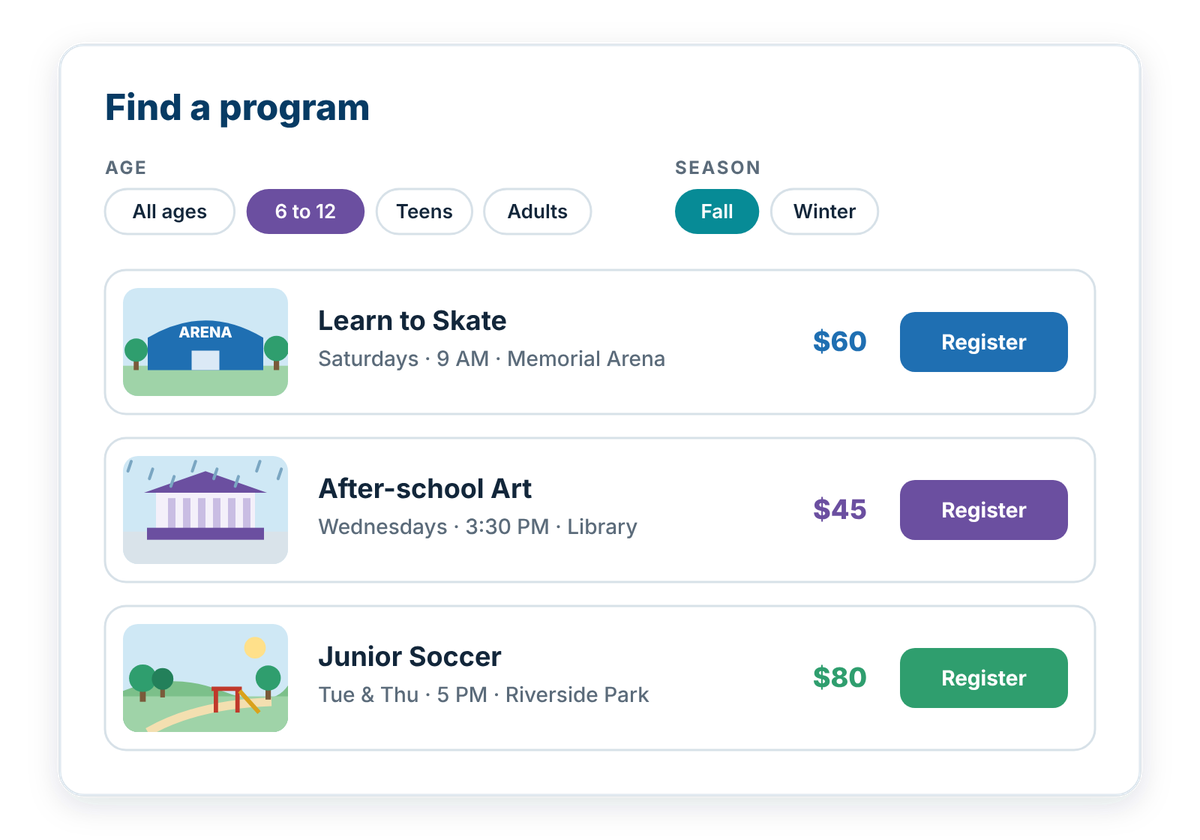
Programs are listed on web pages, not only in a PDF guide. People can filter by age, day and location, and each program shows times, cost and whether spaces are available. One link takes them to registration.
Where to start
Put programs on web pages, not only in a downloadable guide. Show the age group, dates, times, cost and location the same way for every program. Link each program straight to its registration page.
If you don't have this yet
A searchable program listing with filters can usually be added to your current website. If you use recreation software, check whether it can show programs and open spaces on your site directly.
Ideas that help
Facilities, Parks & Amenities
TOOL
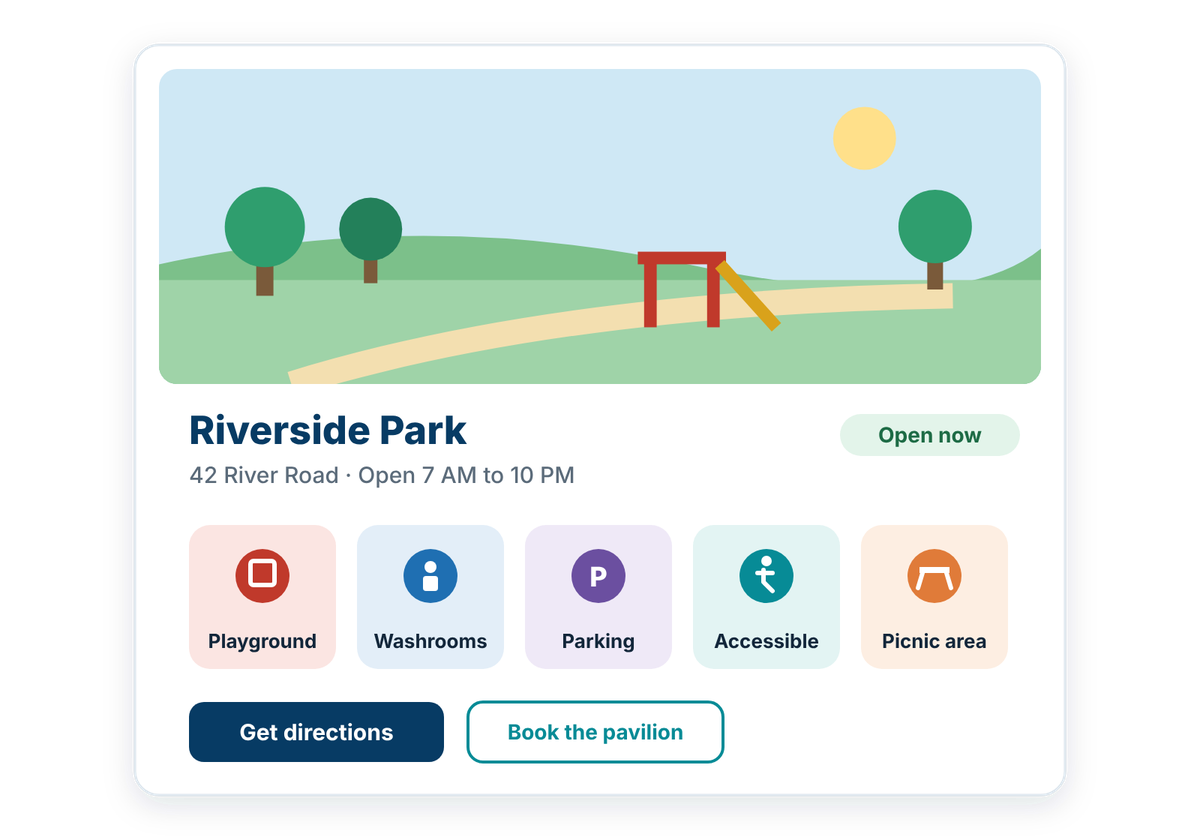
Help people understand what municipal spaces offer, including amenities, hours, locations, and current status.
Facility and park pages should do more than provide an address. Clear information about hours, amenities, accessibility, seasonal conditions, and available spaces can help residents decide whether a location meets their needs and reduce uncertainty before they arrive.
Facility & park information should:
Programs, Activities & Schedules
TOOL
Help people find recreation opportunities that fit their interests, age, and availability.
Programs and drop-in activities can be difficult to navigate when information is spread across guides, facility pages, and separate schedules. Bringing those details together in a clear, consistent format can make it easier for residents to understand what is available and when they can participate.
Recreation program information should:
Related ideas
- Availability & Online Booking: help people find an available time, space, or program and complete the booking online.
Also consider
- Responsive & Mobile Design: make municipal websites work clearly and comfortably across different screen sizes and devices.
How well does your website work for residents?
Take the free check-up. In about 20 minutes you'll walk through everyday situations, like reporting a pothole or finding a council agenda, and get a plain-language check-up report of what's working and what to tackle first.