
Bookings &
Registration
Help people find availability, reserve a time or space, and complete registration online.
Why it Matters
Booking and registration processes can become frustrating when availability is unclear or when people have to move between multiple systems. Clear schedules, capacity information, and timely reminders can make municipal services easier to access while reducing administrative effort for staff.
Could a resident book a facility or register for a program online?
When it's working well
Residents can see what is available, when, and at what cost, then book or register online in a single step. They receive a confirmation immediately and a reminder before the date. If a program is full, they can join a waitlist instead of calling.
Where to start
Link every facility and program page directly to its booking or registration step. Show dates, costs and availability on the page, not only in a PDF guide. If bookings are still made by phone or email, list what to have ready and how soon you will reply.
If you don't have this yet
Online booking with live availability, confirmations and reminders can usually be added to your website, and it can connect to recreation software you already use. If you have recreation software, check whether its online booking is turned on and linked from your website.
Ideas that help
Availability & Online Booking
TOOL
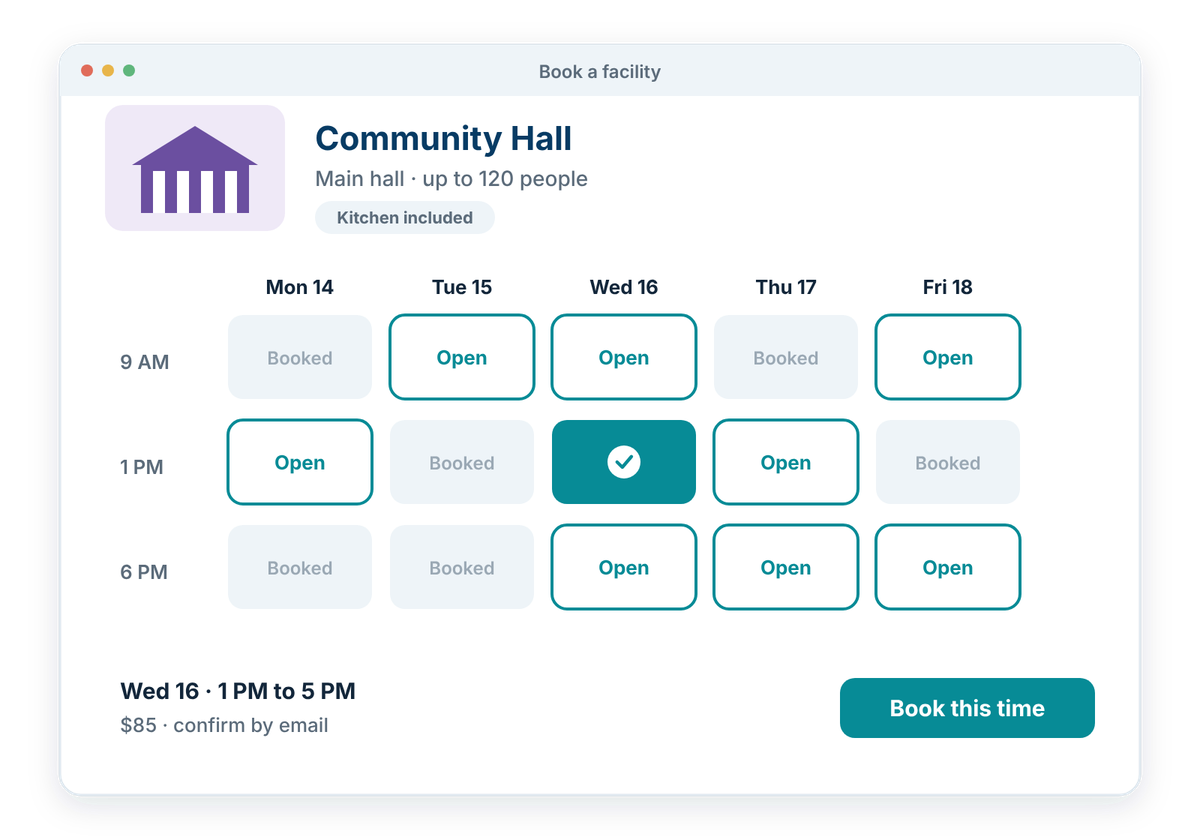
Help people find an available time, space, or program and complete the booking online.
Whether someone is reserving a facility, registering for a program, or booking an appointment, the process should make availability easy to understand. Clear schedules and online booking tools can reduce uncertainty and help people complete the transaction without needing to call or email staff.
Booking tools should:
Capacity, Waitlists & Changes
TOOL
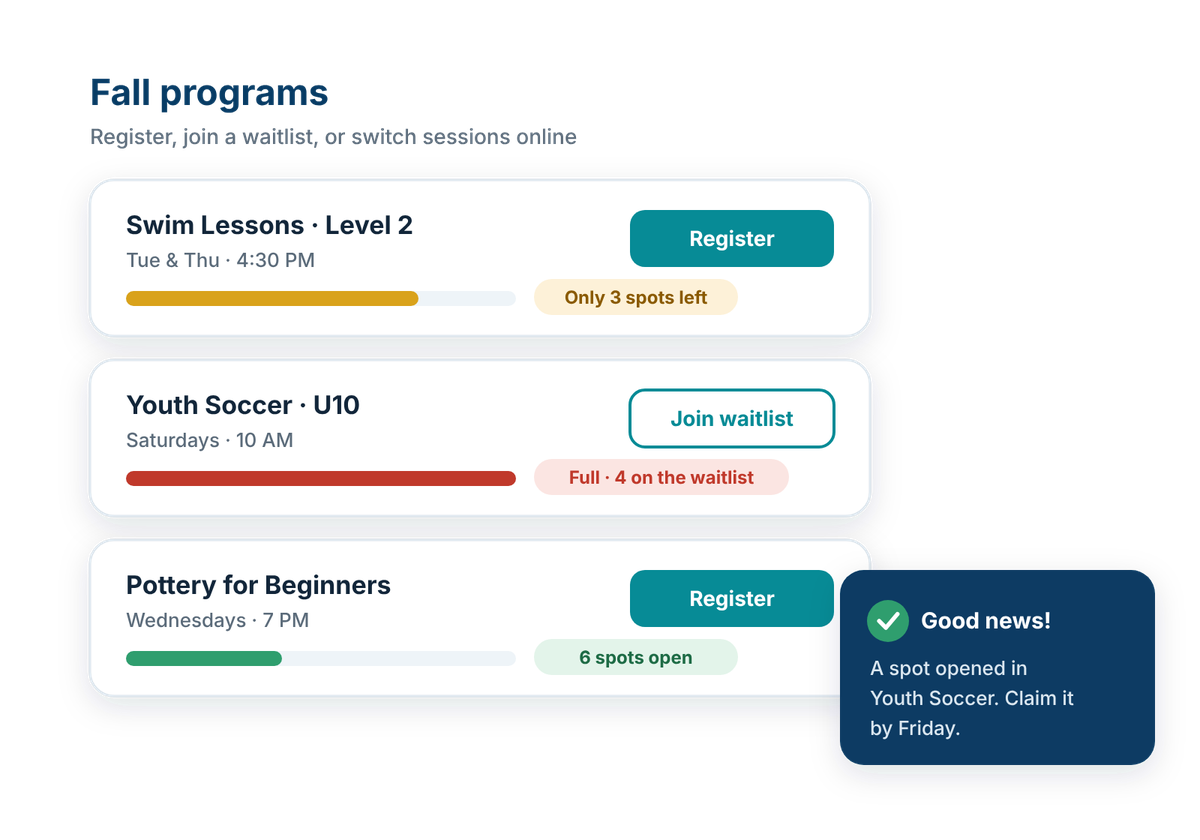
Help people understand availability and manage changes when plans or capacity shift.
Programs, appointments, and facility bookings often have limited capacity. Clear waitlist, cancellation, and rescheduling options can make those limits easier to manage while giving people a better chance of participating when space becomes available.
Booking management should:
Reminders & Calendar Connections
TOOL
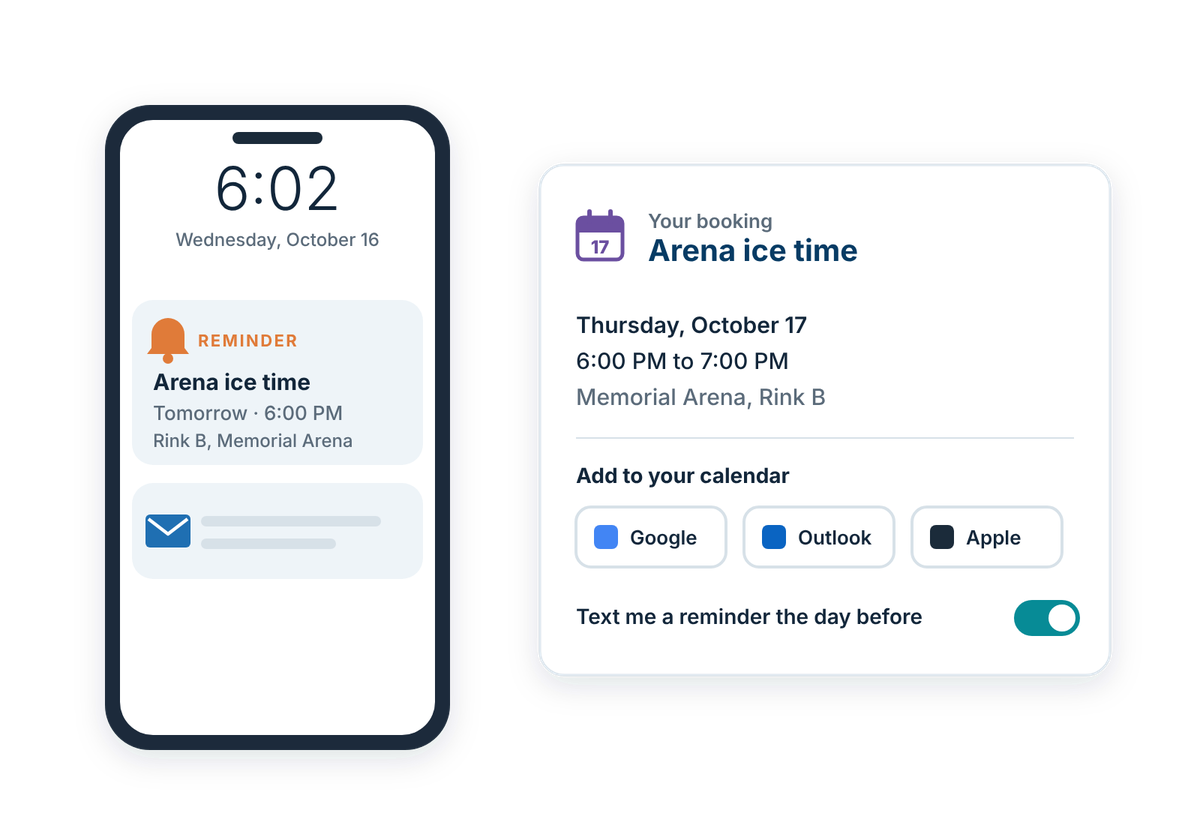
Help people keep track of upcoming bookings, appointments, and registrations.
Once a booking is complete, timely reminders and calendar connections can help people remember where they need to be and when. Clear notifications can also communicate important changes before an appointment, program, or reservation takes place.
Booking follow-up should:
Also consider
- Integrations & Portability: connect municipal systems while keeping information accessible and transferable.
How well does your website work for residents?
Take the free check-up. In about 20 minutes you'll walk through everyday situations, like reporting a pothole or finding a council agenda, and get a plain-language check-up report of what's working and what to tackle first.