
Service Requests
Make it easier for people to ask for help, report an issue, and understand what happens next.
Why it Matters
Residents should not need to understand municipal departments or internal responsibilities before asking for help. Clear intake, routing, and status information can reduce frustration for the public while helping staff respond more consistently and efficiently.
Could a resident report a problem without knowing who handles it, and find out what happens next?
When it's working well
A resident reports a problem in a few simple steps without needing to know which department handles it. They receive a reference number immediately and can check progress without phoning. Staff receive the report in the right place, ready to act on.
Where to start
Add a "Report a problem" link to your main menu and to your roads, waste and parks pages. Replace the general contact form with a short list of common problems. Tell people what happens next and how long it usually takes.
If you don't have this yet
A request form that gives each report a reference number and sends status updates can usually be added to your current website. If your site runs on a municipal platform, check with your vendor first. Many include a request module that is not yet turned on.
Ideas that help
Guided Request Intake & Routing
TOOL
Help people submit the right information and get their request to the right place.
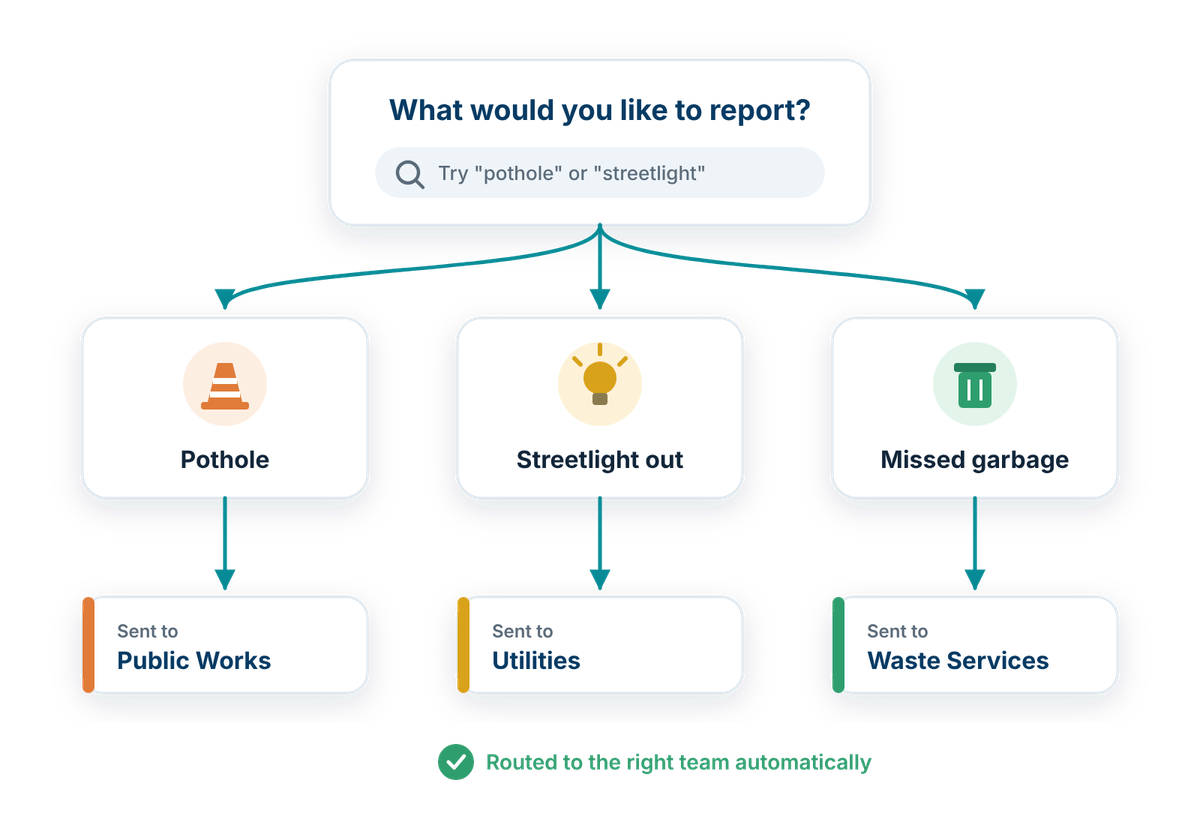
Residents should not need to know which department is responsible before reporting an issue or asking for help. Guided intake can use clear categories, simple questions, and conditional fields to collect the information staff need and route each request to the appropriate service or team.
Request intake should:
Request Tracking & Notifications
TOOL
Keep people informed after a service request has been submitted.
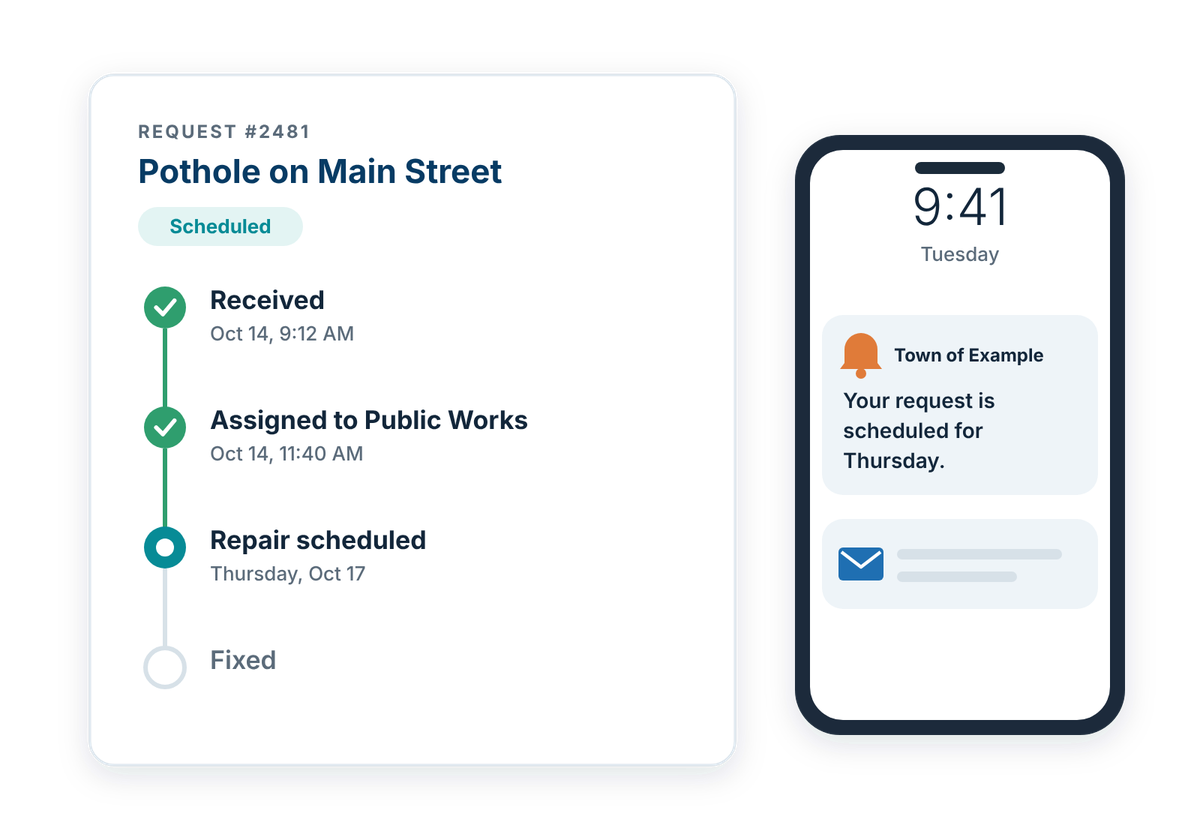
Submitting a request should not feel like sending information into a black box. Simple tracking and status updates can help residents understand whether their request has been received, assigned, or completed, while reducing the need to call or email staff for updates.
Request tracking should:
Internal Assignment & Reporting
TOOL
Help staff manage service requests efficiently once they reach the municipality.
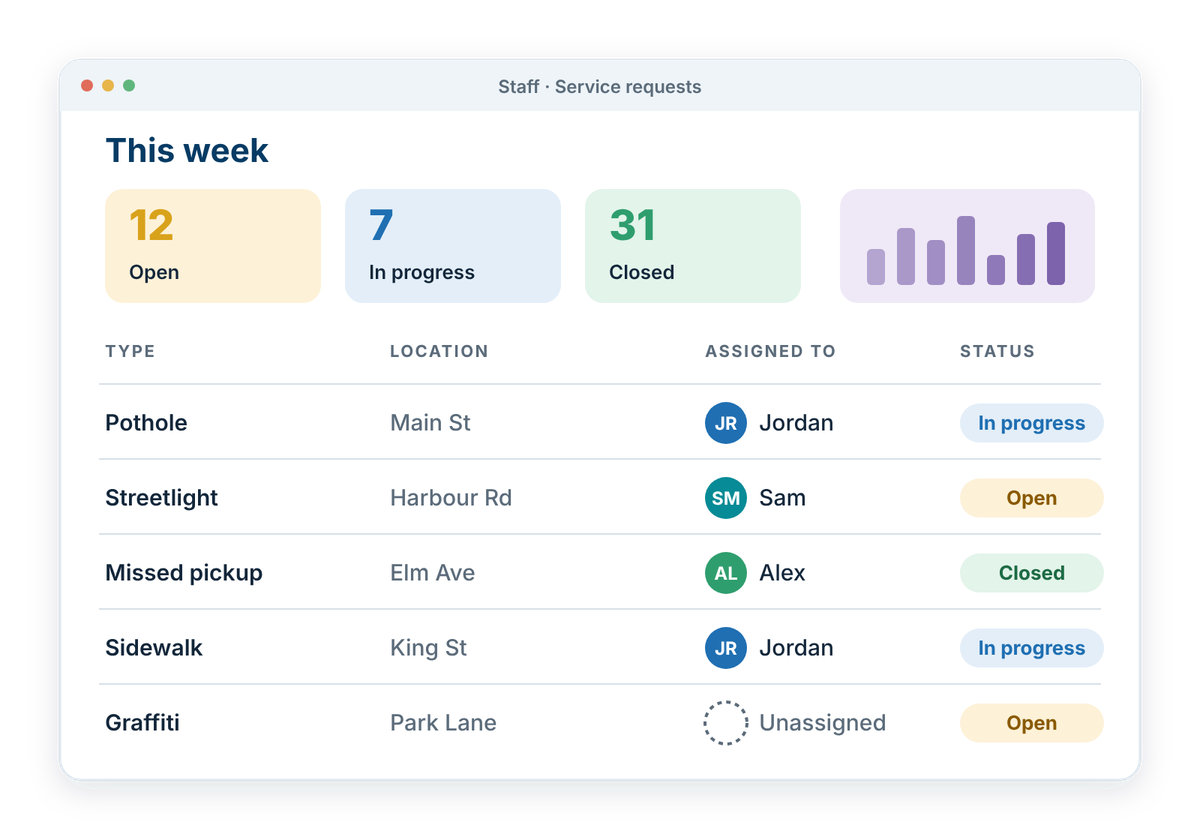
A strong public-facing request process depends on what happens behind the scenes. Internal assignment, shared queues, and reporting tools can help staff understand who is responsible, what still needs attention, and where service patterns are emerging.
Internal request management should:
Related ideas
- Navigation & User Pathways: help people find the right information by starting with what they want to do or who they are.
- Request triage (optional AI tool): help get each resident report to the right team, even when the wrong category is picked.
- Internal Requests & Routing: the staff side of the same request, from assignment to approval and follow-up.
Also consider
- Security & Privacy: protect municipal systems, accounts, and the information people provide.
How well does your website work for residents?
Take the free check-up. In about 20 minutes you'll walk through everyday situations, like reporting a pothole or finding a council agenda, and get a plain-language check-up report of what's working and what to tackle first.