
News, Notices &
Emergency Information
Help people understand what’s happening now, and what they need to know or do.
Why it Matters
Municipal websites need to communicate everyday news, planned notices, service disruptions, and urgent information. The challenge is making the right information visible at the right time, so residents and visitors can quickly find what they need.
During an emergency or service disruption, can residents quickly find the latest local update?
When it's working well
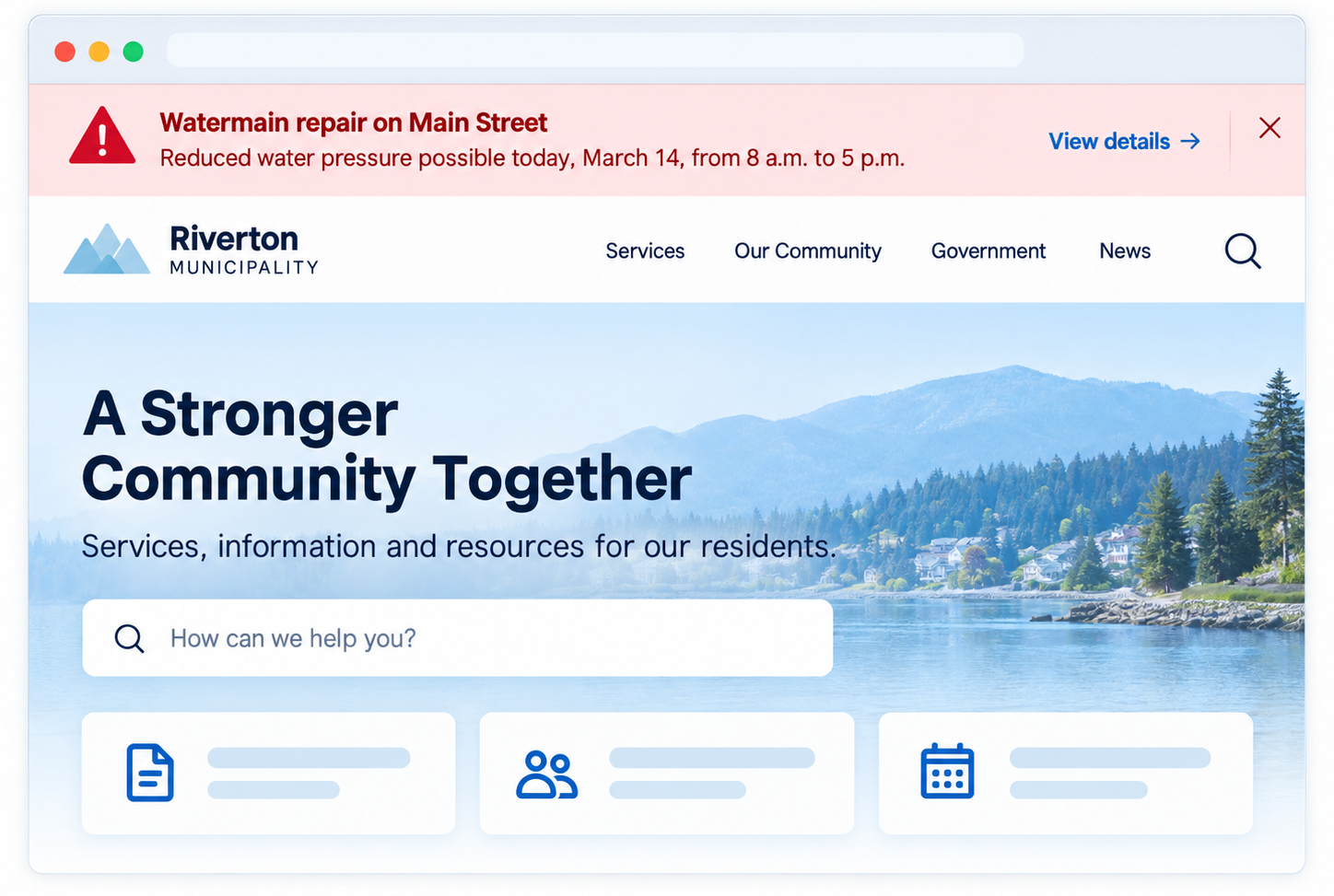
Urgent notices appear at the top of every page as soon as staff post them. Each notice says what is affected, what to do and where to get updates. People who have signed up receive an email or text, and the notice is removed when it is no longer needed.
Where to start
Set up a site-wide alert banner and agree who can post to it after hours. Prepare short templates for closures and advisories so staff can post within minutes. Link each alert to a page with details, and remove it when the situation is over.
If you don't have this yet
A site-wide alert banner and email or text sign-ups can usually be added to your current website. If you already use an emergency notification service, link to its sign-up page from your website and post each alert in both places.
Ideas that help
Site-Wide Alert Banners
TOOL
Bring important, time-sensitive information to
the top of the municipal website.
Site-wide alert banners help municipalities surface urgent alerts, major service disruptions, or important time-sensitive notices no matter which page a visitor is viewing.
Good alert banners should:
Notice Publishing & Organization
TOOL
Keep municipal notices timely, organized,
and easy to find.
Municipalities often need to draft notices ahead of time, assign categories, and have time-sensitive content automatically archived when it’s no longer relevant.
Notice management should:

Winter Recreation Registration
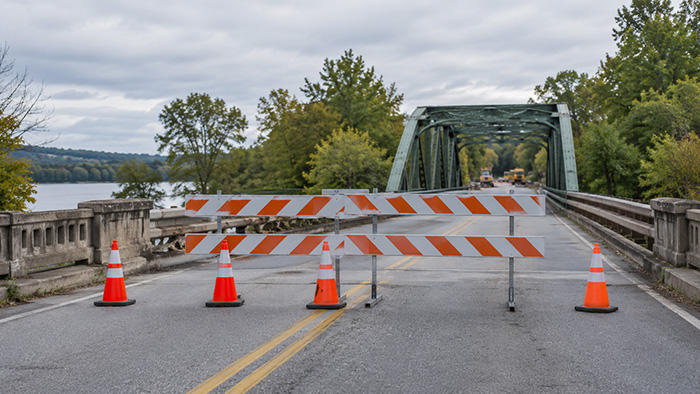
Bridge Closure

Fall Leaf Collection
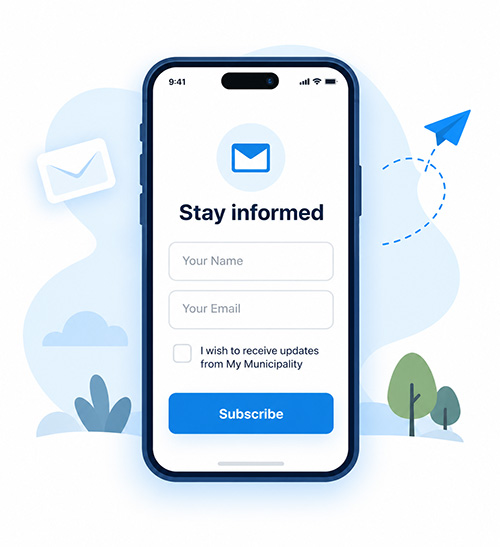
Email Newsletters & Subscriptions
TOOL
Keep residents informed about the topics they care about most.
Municipalities often need to draft notices ahead of time, assign categories, and have time-sensitive content automatically archived when it’s no longer relevant.
Newsletter tools should:
Also consider
- Reliability & Recovery: keep digital services available and make sure they can be restored when something goes wrong.
- Templates & Reusable Components: build alerts and notices as reusable components that look the same everywhere.
How well does your website work for residents?
Take the free check-up. In about 20 minutes you'll walk through everyday situations, like reporting a pothole or finding a council agenda, and get a plain-language check-up report of what's working and what to tackle first.